Login Section
Accessing Your Account
To access your account, navigate to the login page using the following link: Login Page. Here, you will need to enter your credentials to log in.
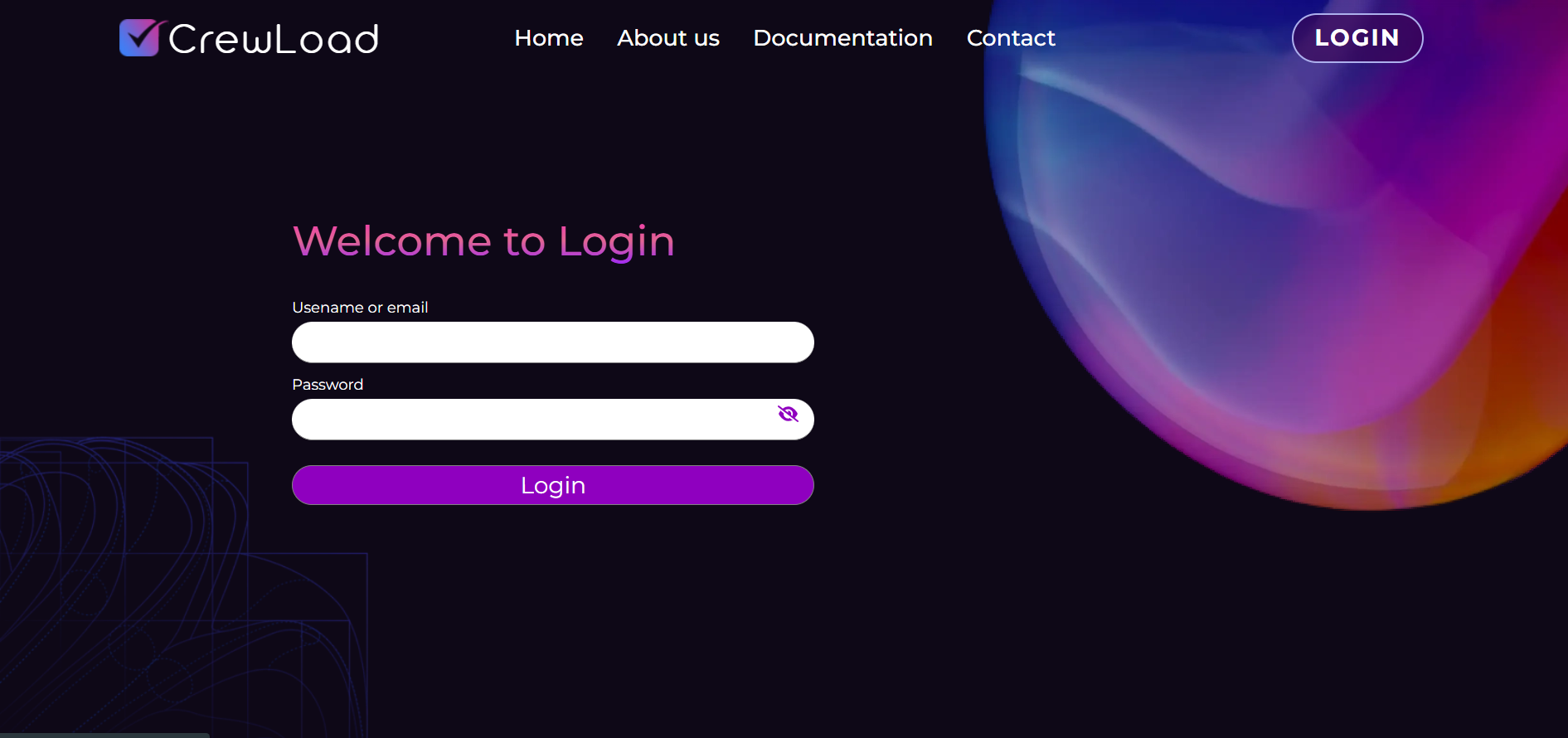
Enter Your Credentials
In the login form, input your username or email along with the password you created during the registration process.
- Username/Email: Enter the username or the email address associated with your account.
- Password: Provide the password you set during registration.
Successful Login
Once you have successfully logged in, you will be redirected to the Scenario Page, where you can begin interacting with your tests and manage your projects.
By following these steps, you ensure a smooth login experience, allowing you to quickly access your testing environment.